

Last Updated: October 23, 2026
Quick Summary
Mouse DPI gaming accuracy depends on finding the DPI that matches your playstyle and control level, not on using the highest number available. A player using 400 DPI with smooth, deliberate movements will outaim someone using 3200 DPI with jittery motions, because consistency and precision matter more than raw DPI capability.
- Tactical shooters benefit from lower DPI of 400 to 800 for precision crosshair placement
- Fast-paced shooters use 800 to 1600 DPI for quick target switching and confident movements
- Effective DPI (eDPI) is calculated by multiplying mouse DPI by in-game sensitivity to maintain consistency across games
- Higher screen resolution like 1440p requires different DPI adjustments than 1080p because cursors travel farther
- Test your DPI by moving your mouse one inch and counting pixels traveled to verify sensor performance
Table of Contents
- What Mouse DPI Means and Why It Matters for Gaming
- How DPI Affects Cursor Movement and In-Game Sensitivity
- Mouse DPI vs. Sensitivity: Understanding the Difference
- Does Higher DPI Improve Aiming Accuracy?
- Finding the Best DPI for Gaming Across Genres
- How to Test Mouse DPI and Verify Sensor Performance
- Using an eDPI Calculator for Consistency Across Games
- Frequently Asked Questions
What Mouse DPI Means and Why It Matters for Gaming
Mouse DPI stands for dots per inch, a measurement that tells you how far your cursor moves on screen for every inch your physical mouse travels. It's one of the most misunderstood settings in gaming, and understanding mouse DPI gaming accuracy matters because it directly affects how you aim, track targets, and respond to threats in competitive play.
The confusion starts here: many players think higher DPI automatically makes aiming better. It doesn't. What actually matters is finding the DPI that lets you move your mouse naturally while maintaining precise control. A gamer using 400 DPI with smooth, deliberate movements will outaim someone using 3200 DPI with jittery, overcorrected motions every single time.
At The Techie Den, we've watched countless gamers struggle with this exact problem. They buy a high-end gaming mouse with 42,000 DPI capability, crank it to maximum, and then wonder why their shots miss more than before.
DPI matters because it forms the foundation of your aiming consistency. When you change DPI, you change the relationship between physical hand movement and on-screen cursor position. Get this wrong, and every adjustment feels foreign. Get it right, and your muscle memory builds faster, your flick shots land cleaner, and your tracking becomes automatic.
How DPI Affects Cursor Movement and In-Game Sensitivity
The relationship between mouse DPI and cursor movement is straightforward but often misapplied. Wired and wireless mice can have different latency characteristics that affect how DPI performance translates in-game. When you move your mouse one inch at 400 DPI, your cursor travels 400 pixels.
But here's where it gets interesting: your in-game sensitivity setting multiplies this effect. If you're running 800 DPI with a 1.5 sensitivity multiplier in-game, your effective DPI (eDPI) becomes 1200.
This distinction matters enormously for consistency. Your muscle memory learns physical distances, not screen distances. When you flick your wrist to snap onto a target, you're training your arm to move a specific distance. If you change your DPI without adjusting sensitivity, that same wrist movement now overshoots or undershoots.
Input latency and polling rate also play a role here, though they're separate from DPI itself. Understanding input lag in gaming peripherals shows that latency, the delay between mouse movement and screen response, compounds with poor DPI choices.
The Mchose A7 V2 Pro Ultra handles this well with its up to 42,000 DPI capability and tri-mode connectivity, but the real value comes from its ability to maintain consistent tracking across different sensitivity levels. You're not paying for the highest number; you're paying for precision at whatever DPI you actually use.

Mouse DPI vs. Sensitivity: Understanding the Difference
Many gamers use DPI and sensitivity interchangeably, but they're fundamentally different controls that work together.
DPI is a hardware setting on your mouse. It determines how many pixels your cursor moves per inch of physical mouse movement. Once you set it, it stays consistent across every game and every application on your computer.
In-game sensitivity is a software multiplier that only applies within that specific game. It's a second layer of control that amplifies or reduces the effect of your DPI. A sensitivity slider set to 1.0 means no multiplier, your DPI works as-is. At 2.0, you've doubled the effect. At 0.5, you've halved it.
The practical difference: if you play five different games, each with different default sensitivity settings, your physical aim feels different in each one, even though your mouse DPI hasn't changed. This is why competitive players obsess over finding a consistent eDPI across all their games. They want the same physical hand movement to produce the same on-screen result everywhere.
Here's a common mistake: trying to fix poor aim by cranking up in-game sensitivity. You'll move your cursor faster, but you lose precision in the process. Pixel skipping becomes more likely, micro-adjustments become harder, and your muscle memory gets confused. The real fix is finding the right DPI first, then using sensitivity as a fine-tuning tool.
How input latency affects gaming mouse performance explains that both DPI and sensitivity interact with your mouse's polling rate, how often it reports its position to your computer. A 1000 Hz polling rate (the modern standard) samples your mouse position 1000 times per second.
Does Higher DPI Improve Aiming Accuracy?
The short answer: not automatically, and often the opposite.
Higher DPI gives you faster cursor movement for less physical effort. That sounds good until you try to make small, precise adjustments. At very high DPI settings, a tiny finger twitch can swing your aim wildly off target.
Research from the Middle East Technical University examined the relationship between mouse sensitivity, DPI settings, and player roles in Overwatch 2, exploring how different roles benefit from different DPI configurations. The findings underscore that mouse sensitivity analysis in competitive gaming shows optimal settings vary by playstyle and role, not by raw DPI capability.
The real determinant of mouse DPI gaming accuracy is consistency and control. A player using 400 DPI with smooth, deliberate aim will outperform someone using 3200 DPI with twitchy, overcorrected movements.
That said, higher DPI does offer advantages in specific scenarios. In fast-paced games requiring quick 180-degree turns or rapid target switching, higher DPI reduces the physical distance you need to move your mouse. The key is matching your DPI to your playstyle and screen resolution.
A 1440p monitor demands different DPI settings than a 1080p monitor because your cursor needs to travel farther to cover the same visual distance. The same DPI that feels perfect on a 24-inch 1080p display might feel sluggish on a 27-inch 1440p screen.
Finding the Best DPI for Gaming Across Genres
Different games reward different DPI settings because they demand different types of aim.
Mchose A7 V2 Pro Ultra – Tri‑Mode Lightweight Wireless Gaming Mouse →
Tactical shooters (Counter-Strike, Valorant, Rainbow Six Siege) benefit from lower DPI, typically 400 to 800. Explore lightweight gaming mice designed for competitive shooters where DPI optimization is critical. These games reward precision and deliberate crosshair placement. You're pre-aiming corners and holding angles, not flicking wildly. Lower DPI gives you the control you need for consistent headshots.
Fast-paced shooters (Overwatch 2, Quake, Doom Eternal) often use slightly higher DPI, 800 to 1600. These games reward quick target switching and large, confident movements. You're tracking moving targets and responding to chaos. A bit more DPI helps you keep up without losing control entirely.
Precision games (Aim trainers, tracking exercises) typically use very low DPI, 400 or below. The goal is to maximize your ability to make micro-adjustments and train muscle memory. Higher DPI introduces more room for error.
Strategy and MOBA games (League of Legends, Dota 2) can tolerate higher DPI, 1200 to 3200, because precision aiming matters less than quick camera movement and ability casting. You're clicking on abilities and moving the map view more than you're performing precise flick shots.
Start with a baseline DPI for your primary game, then stick with it for at least two weeks. Your muscle memory needs time to develop. After two weeks, if you're consistently overshooting or undershooting, adjust by small increments, usually 100 to 200 DPI at a time.
Screen resolution affects this calculation too. Higher resolution means your cursor needs to travel farther to cover the same visual angle. A 1080p player and a 1440p player using identical DPI will have noticeably different aim speeds.
Different game types benefit from different DPI ranges based on the precision and speed they demand.
| Game Type | DPI Range | Primary Benefit |
|---|---|---|
| Tactical shooters | 400 to 800 | Precision and deliberate crosshair placement |
| Fast-paced shooters | 800 to 1600 | Quick target switching and confident movements |
| Precision games | 400 or below | Maximized micro-adjustments and muscle memory |
| Strategy and MOBA games | 1200 to 3200 | Quick camera movement and ability casting |
How to Test Mouse DPI and Verify Sensor Performance
Testing your mouse DPI is simpler than most players think, and it's worth doing to confirm your mouse isn't drifting or misreporting its actual DPI.
The basic test: measure your mouse movement. Move your mouse exactly one inch on your mousepad, then count how many pixels your cursor traveled. If you're running 800 DPI, it should move roughly 800 pixels (accounting for minor variations).
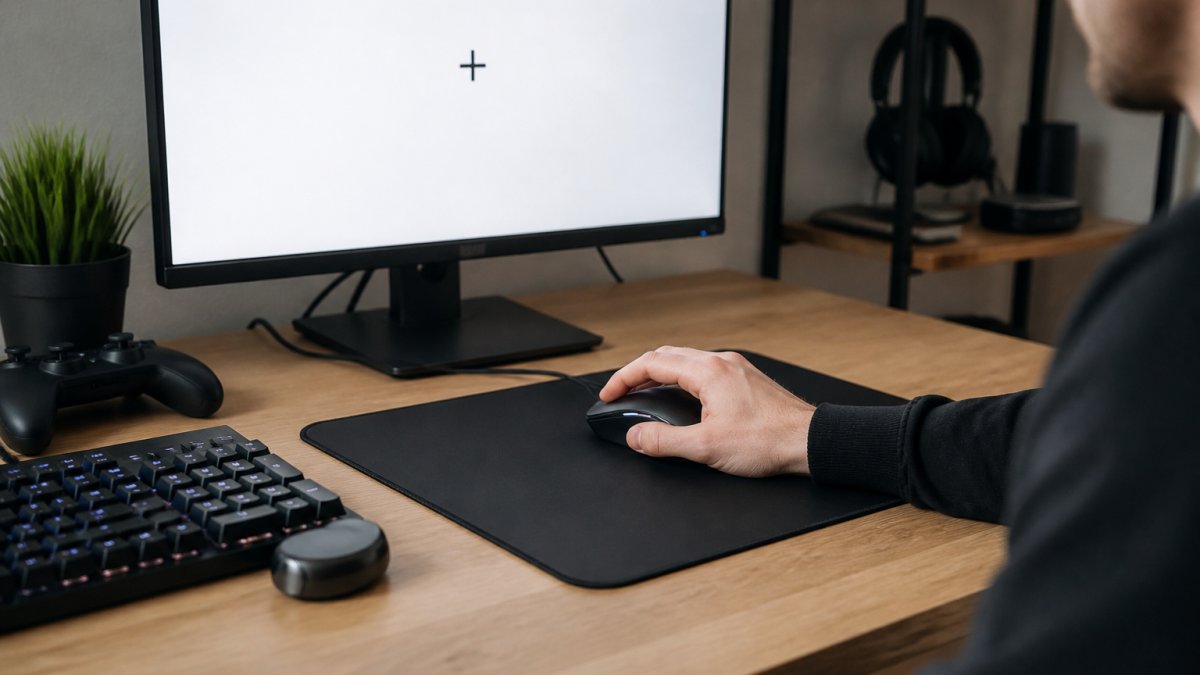
For more rigorous testing, use an aim trainer. Most modern aim trainers display your exact DPI and sensitivity settings, then give you tracking and flicking exercises. Spend 10 minutes on tracking tasks (following a moving target smoothly) and 10 minutes on flicking tasks (snapping to stationary targets quickly).
Another test: play your main game for 30 minutes and pay attention to whether your aim feels consistent. Are you overshooting or undershooting? Do micro-adjustments feel smooth or jerky? Consistent performance across multiple sessions means your DPI is working. Unpredictable performance suggests you need to adjust.
Sensor quality matters here too. Cheaper mice sometimes have sensors that struggle at high DPI settings, introducing jitter or pixel skipping.
Using an eDPI Calculator for Consistency Across Games
eDPI (effective DPI) is your actual aiming sensitivity, the product of your mouse DPI multiplied by your in-game sensitivity setting. It's the number that matters for consistency.
If you play Valorant at 800 DPI with 0.75 sensitivity, your eDPI is 600. If you switch to Counter-Strike and want identical aiming speed, you'd need to find the sensitivity setting that produces eDPI 600 there too.
An eDPI calculator does this math for you. You input your current DPI and sensitivity, it tells you your eDPI, then you input that eDPI and your new game's DPI, and it calculates the sensitivity you need.
Here's why this matters: professional gamers often play multiple games, and they maintain the same eDPI across all of them. Their muscle memory stays consistent.
Many popular aim trainers and gaming websites host free eDPI calculators. Bookmark one. When you're testing a new DPI, use the calculator to maintain your eDPI across your main games.
The consistency benefit compounds over weeks and months. Competitive players who maintain the same eDPI build deeper muscle memory than players who constantly chase new DPI settings.
Finding the right mouse DPI is one of those settings that seems simple but actually determines how quickly you improve at gaming.
Frequently Asked Questions
Does higher DPI make a gaming mouse more accurate?
Higher DPI alone does not guarantee better accuracy. Many competitive players prefer relatively low sensitivity because it allows more controlled aiming and micro-adjustments. Accuracy depends on finding a DPI setting that matches your playstyle, monitor resolution, and muscle memory. The Mchose A7 V2 Pro Ultra supports up to 42,000 DPI, giving you flexibility to test different settings and find what works best for your aim.
What is the best DPI for competitive gaming?
The best DPI for gaming varies by player and game type. First-person shooters often benefit from lower DPI (400-1600 range) for precise target acquisition, while strategy games may use higher settings. Start with 400-800 DPI and adjust based on your comfort level with flick shots and micro-adjustments. Use your in-game sensitivity slider to fine-tune responsiveness without constantly changing DPI.
How do DPI and in-game sensitivity work together?
DPI controls how far your cursor moves per inch of physical mouse movement. In-game sensitivity is a multiplier that adjusts responsiveness within the game itself. Together, they determine your effective DPI (eDPI). For consistency across games, calculate your eDPI by multiplying DPI by in-game sensitivity percentage. This helps you maintain the same aiming feel whether you switch games or adjust settings.
Can my mouse sensor have too much DPI?
A mouse can have more DPI than you need, but it does not hurt performance. The risk comes from pixel skipping or sensor smoothing at extreme settings on lower-end sensors. High-quality sensors like those in gaming-focused mice handle high DPI reliably. The key is finding a DPI that suits your screen resolution and playstyle, not maxing out the specification just because it is available.


