

Table of Contents
- Is a Gaming Headset Good for Music? The Short Answer
- Gaming Headset vs Headphones for Music: What Actually Differs
- Wired vs Wireless Gaming Headset for Music: Latency, Codecs, and Battery
- Gaming Headset for Music Production: Where It Falls Short
- How to Pick the Best Gaming Headset for Music and Gaming
- Comfort, Fit, and Long Listening Sessions
- Conclusion: One Headset, Two Jobs
- Frequently Asked Questions
Last Updated: October 8, 2026
Is a Gaming Headset Good for Music? The Short Answer
Is a gaming headset good for music? Yes, but only if you understand what you're buying.
At The Techie Den, we hear this question constantly from readers who want one pair of headphones for everything.
Below, we'll show you exactly what separates the two, where a headset holds its own, and how to set one up so it sounds better for music than it did out of the box.
Gaming Headset vs Headphones for Music: What Actually Differs
The core difference is tuning, not hardware quality. A gaming headset and a pair of music headphones often use similar drivers, but each is voiced for a different job.
Sound Profile: Tuned for Footsteps or Tuned for Songs
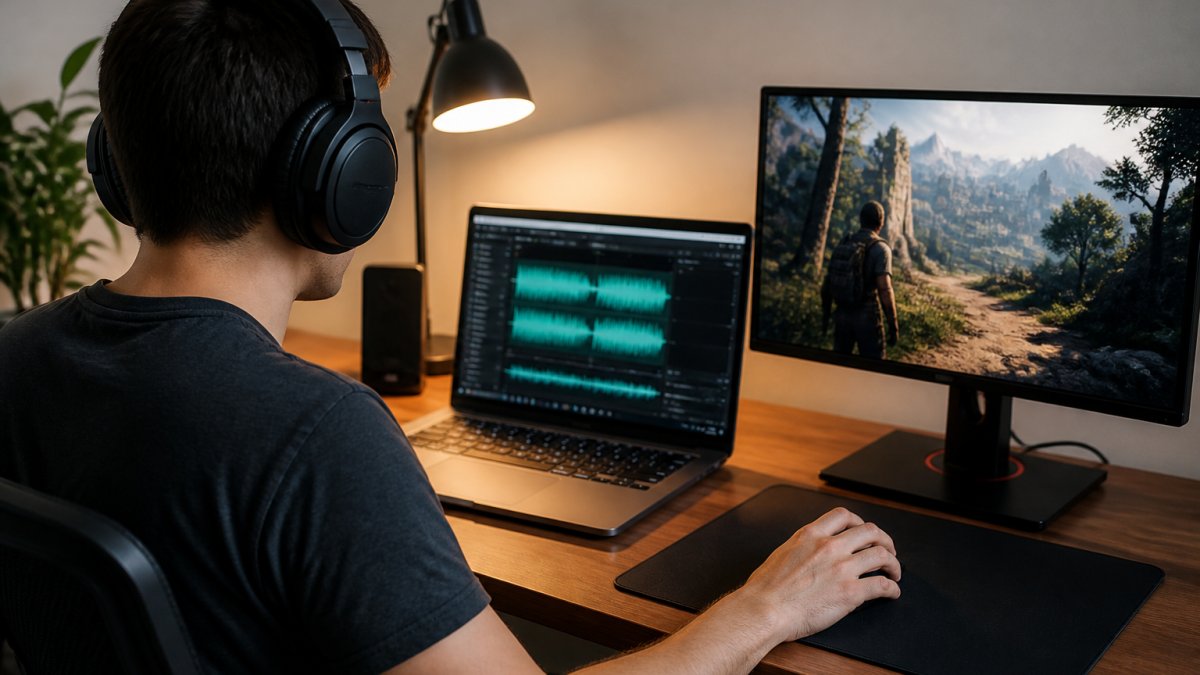
A gaming headset's sound profile usually boosts bass and upper mids so footsteps and gunfire stand out. That makes games feel immersive, but it can make music sound boomy or harsh. Music headphones aim for a flatter, more neutral response so instruments and vocals sit where the artist intended.
Drivers, Frequency Range, and What Specs Really Tell You
Driver size and frequency range numbers look impressive on a spec sheet, but they rarely predict how good a headset sounds. A broad frequency response tells you the extremes a driver can reach, not how accurately it reproduces the middle. Two headsets with identical specs can sound completely different, which is why listening matters more than the box.
| Factor | Gaming Headset | Music Headphones |
|---|---|---|
| Sound profile | Boosted bass, forward mids | Flat, neutral |
| Best for | Games, movies, casual music | Critical listening, production |
| Microphone | Built in | Usually none |
| Connection | USB, USB-C, wireless | Wired, sometimes wireless |
| Comfort for long sessions | Varies by model | Often lighter |
Wired vs Wireless Gaming Headset for Music: Latency, Codecs, and Battery
Wired generally beats wireless for music because it avoids codec compression and battery limits. A wired USB or 3.5mm connection sends an uncompressed signal straight to the drivers, so nothing is lost in transit. Wireless adds convenience, but it introduces trade-offs you should know before you buy.
The gap most guides skip is the connection itself. The same headset can sound noticeably different depending on whether you feed it analog audio, a USB digital signal, Bluetooth, or a proprietary 2.4 GHz dongle.
Connection Types and What They Do to Your Music
- 3.5 mm analog: The headset's own amplifier and digital-to-analog converter are bypassed; your phone, laptop, or controller does the conversion. Sound quality depends heavily on that source. Many consoles and controllers output a clean signal, but some laptops have noisy headphone jacks that add hiss.
- USB or USB-C: The headset contains its own DAC and amp, so the signal stays digital until it reaches the headset. This usually gives the most consistent sound across devices, and it is the connection most likely to support onboard EQ presets.
- Bluetooth: Convenient for phones and laptops, but the audio is compressed before it is transmitted. Codec support varies by headset and by the device you pair with, and the two must agree on a codec or the connection falls back to a lower-quality option.
- 2.4 GHz wireless dongle: Common on gaming headsets because it delivers low latency, often in the range of a few tens of milliseconds. That is excellent for games, but the link is still a compressed digital transmission, so it does not automatically beat a good wired connection for music.
Codecs, Latency, and Battery in Plain Terms
Latency matters most for gaming, where a delay between action and sound breaks immersion. For music playback, latency is less of an issue because you are not reacting to the audio, but codec quality still affects how much detail survives the wireless link.
Battery life is the other variable. A wireless headset that lasts through a long workday may not last through a marathon gaming session, and charging mid-album is frustrating. If music quality is the priority, plug in.
Platform Notes
- PC: USB or USB-C gives you the cleanest path and the easiest access to software EQ.
- Console: Many consoles route audio through the controller's 3.5 mm jack or a USB port, and some wireless headsets need a dongle that only works on certain models. Check compatibility before assuming a headset will work wirelessly for music on a console.
- Phone: Bluetooth is usually the only option, so codec support on both the phone and the headset determines the ceiling.
Gaming Headset for Music Production: Where It Falls Short
A gaming headset is a poor choice for music production, and the reason is accuracy.
The Audio Engineering Society's resources on critical listening stress neutral reproduction for exactly this reason. If your headphones boost bass, you'll cut bass in the mix, and the track will sound thin everywhere else.
That doesn't make a gaming headset useless for music. For casual listening, background music while you work, and enjoying movies, it's perfectly fine. The line is between enjoying music and judging it.
How to Pick the Best Gaming Headset for Music and Gaming
The best gaming headset for music and gaming balances a neutral-ish sound profile with the features you actually use. Start with these criteria before you compare models:
- Sound profile: Look for a headset described as balanced or neutral, not bass-heavy.
- Connection: USB-C or 3.5mm wired options give the cleanest music playback.
- Microphone: A detachable or boom mic covers voice chat without hurting music.
- Comfort: Memory foam and a lightweight frame matter for long sessions.
- Platform: Match the connection to your PC, console, or phone.
Match the Tuning to What You Actually Listen To
Most guides stop at "pick a neutral headset." That advice is incomplete, because the right choice depends on your library. A headset that flatters one genre can fight another.
- Bass-heavy music (hip-hop, EDM, pop): A headset with elevated low end can sound exciting here, but watch for bloat that muddies kick drums and basslines. If the bass bleeds into the mids, vocals and synths lose definition.
- Vocal-focused music (singer-songwriter, folk, podcasts): You want the midrange, roughly 200 Hz to 4 kHz, to be present and even. A headset with scooped mids pushes vocals behind the instruments, which is the most common complaint in this genre.
- Acoustic and classical: These recordings rely on detail and a sense of space. A headset with a narrow, closed-in soundstage makes strings and room ambience feel flat, so imaging quality matters more than bass quantity.
- Rock and metal: Dense mixes need separation between guitars, bass, and drums. A headset with a sharp treble peak can make cymbals and distorted guitars sound harsh over long sessions.
A practical test: play three tracks you know well, one from each of the categories above, and listen for whether vocals stay clear, whether bass notes have pitch instead of just thump, and whether you can pick out individual instruments. That tells you more than any spec sheet.
What Measurements Can and Cannot Tell You
Frequency response, distortion, and soundstage measurements are useful, but they have limits. A frequency response graph shows how loud each part of the spectrum plays relative to the rest, which reveals whether a headset is bass-heavy or mid-forward.
The catch is that a flat measurement does not guarantee enjoyable sound, and a slightly colored headset can still be a pleasure to listen to. Measurements describe behavior, not preference. Use them to narrow the field, then trust your ears on the final call.
A Simple EQ Setup to Make One Headset Do Both
You can close much of the gap with a quick EQ adjustment. If your headset sounds boomy on music, pull down the bass slightly and lift the upper mids. If vocals sound buried in games, do the opposite. Save two presets, one for gaming and one for music, and switch between them.
- Reduce 60-150 Hz by 2-3 dB for cleaner music
- Lift 2-4 kHz slightly for vocal clarity
- Keep a flat preset for critical listening
- Save a gaming preset with boosted mids for footsteps
Comfort, Fit, and Long Listening Sessions
Comfort decides whether you'll actually use a headset for music. A clamp that feels fine for a 30-minute match becomes painful during a two-hour album. Look for breathable ear pads, a headband that spreads weight evenly, and a fit that doesn't press on your glasses.
Weight matters too. Heavier headsets feel premium at first and tiring by hour three. If you wear a headset all day for work and music, prioritize a lighter frame over extra features.
Conclusion: One Headset, Two Jobs
The real challenge is that gaming and music pull a headset in opposite directions, one wants punch, the other wants honesty. You don't have to buy two pairs to enjoy both, but you do have to pick a headset that leans neutral and set it up properly.
That's where The Techie Den comes in. We carry audio equipment and gaming accessories built for exactly this kind of mixed use. Browse our collection, compare the specs that matter, and add to cart with confidence.
Frequently Asked Questions
Can I use a gaming headset to listen to music?
Yes. A gaming headset plays music fine, and most connect to a phone, laptop, or console through USB, USB Type-C, or a 3.5mm jack. The catch is tuning: many gaming headsets boost bass and upper mids so footsteps and gunfire stand out, which can make some genres sound uneven. If you mostly listen to pop, hip-hop, or electronic music, that profile often works well. For jazz, classical, or acoustic tracks, a flatter sound profile usually sounds more natural.
Do gaming headsets have good sound quality for music?
It depends on the model, not the category. A well-built gaming headset with 40mm or 50mm drivers and a broad frequency response can deliver clear sound, decent audio clarity, and solid stereo imaging for music playback. Cheaper models often overemphasize bass and skip detail in the mids, which hurts vocals and instruments. Read reviews that mention music listening specifically, and look for headsets with a companion app that offers EQ presets so you can flatten the sound profile.
Is a gaming headset good enough for music production?
Usually no, and it comes down to accuracy. Music production needs a flat sound profile so you hear the mix as it truly is, not colored by bass boosts or virtual surround processing. Most gaming headsets add that coloration on purpose for immersion. If you produce music, use studio monitors or flat-response headphones for mixing and keep the gaming headset for casual listening. Using a gaming headset for music production can lead you to overcorrect bass or miss problems in the midrange.
Should I get a wired or wireless gaming headset for music?
Wired wins on audio quality and latency. A wired USB or 3.5mm connection sends uncompressed audio with no battery to manage, which matters if you care about precise sound and critical listening. Wireless is more convenient and fine for casual music playback, but Bluetooth codecs compress audio, and 2.4GHz dongles prioritize low latency for gaming over maximum fidelity. If music is your priority, go wired. If you switch between devices and want freedom of movement, a wireless headset with a low-latency dongle is a reasonable compromise.
A gaming headset can absolutely serve as your everyday music pair, as long as you match it to how you actually listen. If you want gear that handles games, music, and everything between, The Techie Den has the audio equipment and accessories to build that setup. Explore our range and find the headset that fits your desk, your console, and your playlist.


