

Table of Contents
- Gaming Console vs PC for Beginners: Quick Comparison
- Cost of Gaming PC vs Console
- Ease of Use: Gaming Console vs PC
- PC Gaming Hardware Requirements
- Game Library, Exclusives, and Backward Compatibility
- Performance, Graphics, and Multiplayer Experience
- The Hybrid Reality: Console-PC Crossover Options
- Which Should You Choose?
Last Updated: August 26, 2026
Gaming Console vs PC for Beginners: Quick Comparison
The choice between a gaming console and a PC is one of the biggest decisions a beginner gamer makes. What works depends on your budget, the types of games you want to play, and how much technical tinkering you're willing to handle.
A gaming console offers simplicity: plug it in, insert a game, and start playing. A PC provides flexibility, upgradability, and access to a massive library of titles across multiple storefronts. Below, we'll break down the exact differences, showing you the hidden costs, performance trade-offs, and practical setup requirements.
Feature Comparison Table
| Feature | Gaming Console | Gaming PC |
|---|---|---|
| Initial Cost | $300-$500 | $600-$1,500+ |
| Setup Time | 15-30 minutes | 1-3 hours |
| Game Library | 500-2,000 titles | 10,000+ titles |
| Exclusive Titles | Yes (platform-specific) | Fewer exclusives |
| Upgradability | Limited to none | Full hardware upgrades |
| Backward Compatibility | Varies by console | Excellent (emulation support) |
| Modding Community | Restricted | Thriving |
| Online Multiplayer Fee | $60-$120/year | Free or included |
| Performance (1080p/60fps) | Excellent | Excellent (with proper specs) |
| Graphical Fidelity Options | Fixed | Adjustable (resolution, frame rates) |
Cost of Gaming PC vs Console
The initial price tag tells only half the story. Gaming console vs pc for beginners becomes a real comparison when you factor in the total cost of ownership over three to five years.
Initial Investment Breakdown
A modern gaming console runs between $300 and $500. A gaming PC starts higher: an entry-level build that handles modern games at 1080p and 60 fps costs between $800 and $1,200, including monitor, keyboard, and mouse. If you already have peripherals, you can drop the PC tower cost to $600-$800.
The Techie Den offers several options that bridge this gap. The Intel N100 Game PC Box at $412.99 combines Windows 11 Pro with Batocera 40, pre-installed with 52,000+ games including 10,000+ 3D titles and 80+ emulators. It bridges the gap between console simplicity and PC flexibility without a massive upfront investment.


Long-Term Expenses and Hidden Costs
Console gaming includes annual subscription fees. PlayStation Plus costs $80 per year for online multiplayer and cloud saves (playstation.com). Xbox Game Pass runs $120 per year for access to hundreds of games (xbox.com). Over five years, that's $400-$600 in subscription costs alone, before you buy a single game.
PC gaming has lower ongoing costs. Most online multiplayer is free. Steam, Epic Games, and GOG offer frequent sales and free games. You'll spend less per game on average.
The upgrade path differs too. Consoles stay fixed for 7-8 years. PCs allow incremental upgrades: a new graphics card ($200-$400) extends performance for another 2-3 years. For someone building a PC now, the total five-year cost (hardware + games + upgrades) typically runs $1,500-$2,500. For a console, it's $1,000-$1,500 (hardware + subscriptions + games). The gap narrows when you account for PC gaming's cheaper game prices and free multiplayer.
Ease of Use: Gaming Console vs PC
This is where consoles shine for absolute beginners. The setup is straightforward, and the learning curve is nearly flat.
Setup and Installation
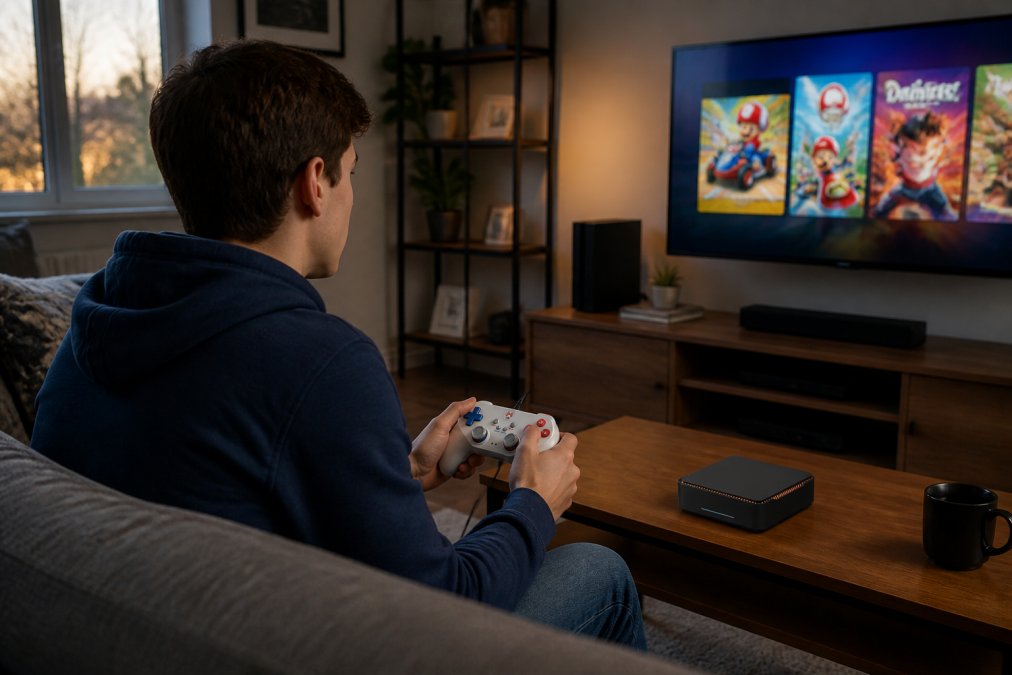
Unbox a console, connect it to your TV with an HDMI cable, plug in power, and you're done. The system walks you through initial setup in 10-15 minutes.
A PC setup takes longer. You'll need to install the operating system, drivers, and game launchers, which can take 1-3 hours. However, pre-built gaming PCs and hybrid systems reduce this friction. The Techie Den's Video Game Console with 2T HDD and 52,000+ Games at $507.99 comes with Batocera and Windows 11 Pro pre-installed, meaning you skip the OS and driver installation entirely.
Learning Curve and Accessibility
Console controllers have become standardized. Most games use the same button layout. The user interface is designed for a TV screen viewed from 10 feet away.
PC gaming requires learning multiple control schemes. Some games use keyboard and mouse, others use a controller. Graphics settings add another layer of choice that beginners often find overwhelming.
PC Gaming Hardware Requirements
Understanding what specs you actually need is the biggest source of confusion for PC beginners.
Minimum vs Recommended Specs
Every modern game lists two spec tiers: minimum and recommended.
Minimum specs are the bare floor. Your PC will run the game at 1080p and 30 fps with low graphical settings. Recommended specs target 1080p at 60 fps with medium to high graphical settings. A beginner should target recommended specs, not minimum. Recommended feels responsive and immersive.
Real-world example: Baldur's Gate 3 lists a minimum GPU of RTX 2060 and recommended GPU of RTX 2080 Super. At minimum, you're getting 45-60 fps at 1080p on low settings. At recommended, you're hitting 80-100 fps on high settings.
Upgradability and Component Longevity
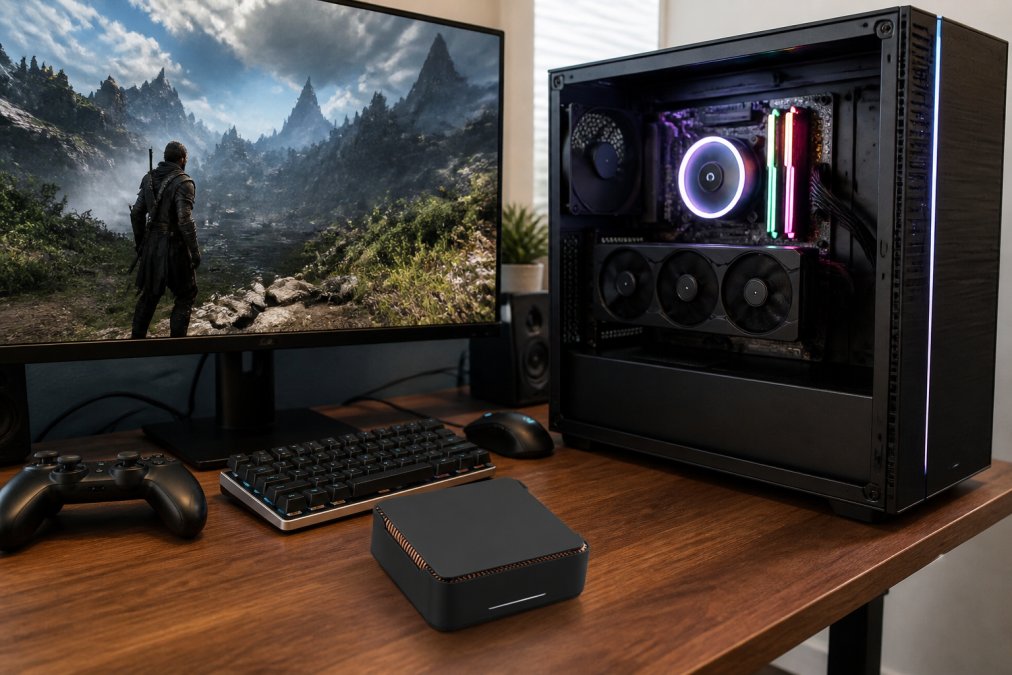
A console is sealed. You can't upgrade anything. A PC is modular. You can replace the graphics card without touching anything else. A graphics card stays relevant for 3-4 years before you need an upgrade (peer-reviewed research). A CPU lasts 5-7 years.
The real advantage: a $1,200 PC from 2023 can be refreshed with a $300 graphics card upgrade in 2026 and stay competitive. A $500 console from 2023 will feel outdated by 2026 and can't be fixed.
Game Library, Exclusives, and Backward Compatibility
The game library is where the platforms diverge most sharply.
Exclusive Titles and Digital Storefronts
Consoles have platform-exclusive games. PlayStation has God of War, The Last of Us, and Spider-Man. Xbox has Halo, Forza, and Starfield. Nintendo has Zelda and Mario.
PCs have fewer true exclusives, but dominate indie games, strategy games, and simulation games. Steam alone has over 100,000 games. PlayStation has around 4,500. PC also offers multiple digital storefronts, Steam, Epic Games Store, GOG, which drives lower prices and gives you choice.
Playing Older Games and Modding Community
Backward compatibility is where console and PC strategies diverge. PlayStation 5 plays some PS4 games but not all. Xbox Series X plays most Xbox One games. Nintendo Switch doesn't play older Nintendo games without emulation.
PCs handle backward compatibility exceptionally well. Games from 2010 run fine on modern Windows. The modding community extends this further. The Techie Den's 12TB Gaming HDD with 86,000+ Retro Video Games at $297.99 showcases this strength. It includes 86,000+ retro games across 250+ collections, with support for emulators covering TeknoParrot, PSVita, Xbox 360, PSP, PS2, PS3, Wii, and more. For beginners interested in gaming history, PC opens entire decades of titles. Consoles lock you into the current generation.

Performance, Graphics, and Multiplayer Experience
Performance is where confusion often sets in. Frame rates, resolution, and graphical fidelity are technical terms that beginners often misunderstand.
Frame Rates, Resolution, and Graphical Fidelity
Frame rate is the number of images displayed per second. 60 fps feels smooth. 30 fps feels sluggish. Resolution is pixel count. 1080p is the standard for beginners. 1440p looks noticeably sharper. 4K is beautiful but requires high-end hardware. Graphical fidelity is detail level. High settings mean better textures and more detailed shadows. Low settings reduce these for performance.
Consoles lock these settings. A PlayStation 5 runs Elden Ring at 1440p, 60 fps, high settings. You can't adjust them. PCs let you choose. A beginner should aim for 1080p at 60 fps as a baseline. That's the sweet spot for visual quality and responsiveness.
Online Multiplayer and Subscription Services
Console multiplayer requires a subscription. PlayStation Plus ($80/year), Xbox Game Pass Ultimate ($120/year), Nintendo Switch Online ($20/year). PC multiplayer is free on most platforms. Steam multiplayer is free. Epic Games multiplayer is free.
This is a significant long-term cost difference. Over five years, console subscriptions cost $100-$600. PC is $0. Xbox Game Pass is worth mentioning because it's different. For $120/year, you get access to hundreds of games including day-one releases.
The Hybrid Reality: Console-PC Crossover Options
The line between console and PC is blurring. The Techie Den offers several hybrid products that don't fit neatly into either category. The Intel N100 Game PC Box at $412.99 runs Windows 11 Pro and Batocera 40 simultaneously. It's technically a PC, but it boots into a console-like interface with 52,000+ games pre-installed. Plug it into a TV, grab a controller, and it feels like a console. Boot into Windows, and you have a full PC.
Handheld devices like the Retro Handheld Video Game Console at $59.99 and the Mini Plus Portable Retro Handheld Game Console at $76.99 represent another hybrid category. They're specialized devices that run emulators and retro games. For beginners exploring gaming without a major commitment, these are low-risk entry points.
Which Should You Choose?
The decision comes down to three factors: your budget, your gaming interests, and your tolerance for complexity.
Choose a console if:
- You want to play immediately without setup hassle
- You love exclusive titles (PlayStation, Xbox, or Nintendo franchises)
- You prefer a fixed, predictable experience
- You have a TV but no monitor or gaming PC
Choose a PC if:
- You want access to the largest game library (indie, strategy, simulation, retro)
- You value long-term upgradability and cost efficiency
- You're comfortable learning graphics settings and troubleshooting
- You want free online multiplayer
Choose a hybrid (like The Techie Den's gaming boxes) if:
- You want console simplicity with PC flexibility
- You're interested in retro gaming and emulation
- You want to avoid the high upfront cost of a traditional PC
- You want to explore both ecosystems without committing fully
For most absolute beginners, a console is the right first step. The learning curve is flat, and you can start playing today. If you're willing to invest time in learning, a PC offers better long-term value. The game library is bigger, the costs are lower over time, and the flexibility is unmatched.
The gaming console vs pc decision doesn't have to be complicated. Start with what matches your lifestyle now, knowing you can upgrade or switch later. The Techie Den carries options across the entire spectrum, from handheld retro devices at under $100 to full hybrid gaming systems at $500. Explore the Intel N100 Game PC Box to see how modern gaming bridges both worlds, and find the setup that fits your gaming future.
Frequently Asked Questions
Is it better to get a gaming PC or console for beginners?
For most beginners, a gaming console offers better value and ease of use. Consoles are plug-and-play, require no technical knowledge, and deliver consistent performance. PCs offer more flexibility, upgradability, and access to a larger game library, but demand more setup and maintenance. Choose a console if you want simplicity; choose a PC if you want long-term customization and multi-purpose functionality.
What is the real cost of gaming PC vs console over time?
Console costs are predictable: $300-$500 upfront, plus $60-$70 per game and optional subscription services ($10-$20/month). A budget gaming PC costs $400-$800 initially, with similar game prices but free online multiplayer. However, PCs require periodic hardware upgrades ($200-$500 every 3-5 years) and driver updates. Over 5 years, total cost approaches parity, but consoles remain more budget-friendly for casual gamers.
Which is easier to use: gaming console or PC?
Gaming consoles are significantly easier. They boot instantly, games install with one click, and controllers work immediately. PCs require driver updates, software troubleshooting, and system optimization. However, modern gaming PCs have simplified this gap considerably. If you're not tech-savvy, a console saves frustration. If you're willing to learn, a PC offers more control and customization options.
Can I use a gaming PC for things other than gaming?
Yes, this is a major PC advantage. Gaming PCs function as full computers for work, streaming, content creation, and productivity. Consoles are gaming-only devices. If you need a computer anyway, a gaming PC doubles as your work machine, making it a better long-term investment. This multi-purpose functionality justifies higher upfront costs for many beginners.
Do I need technical knowledge to own a gaming PC?
Not anymore. Pre-built gaming PCs arrive ready to use, similar to consoles. However, basic knowledge helps: understanding system requirements, installing updates, and troubleshooting driver issues. The Intel N100 Game PC Box from The Techie Den ($412.99) offers plug-and-play convenience with Windows 11 Pro and 52,000+ pre-installed games, bridging the gap between console simplicity and PC power.
This article was written using GrandRanker


