

Table of Contents
- The Quality Checklist: Specs That Actually Matter
- How to Choose a Gaming Mouse Sensor
- Mechanical Keyboard Switch Types Explained
- Gaming Headset Frequency Response Explained
- Common Mistakes When Buying High Quality Gaming Gear
- Where High Quality Gaming Gear Specs Are Listed
- Conclusion
- Frequently Asked Questions
Last Updated: September 21, 2026
The Quality Checklist: Specs That Actually Matter
Learning how to identify high quality gaming gear comes down to reading a handful of specifications that separate durable hardware from disposable plastic. At The Techie Den, we've watched too many players waste money on peripherals that look impressive in photos but fall apart within months.
High quality gaming gear is hardware built around measurable specifications: sensor accuracy, switch durability ratings, connection latency, and driver support, rather than marketing language. The spec sheet tells you more than the box ever will.
Here's the checklist that matters most:
- Sensor or switch model number, not just "gaming-grade"
- Polling rate and connection type (wired, 2.4GHz, Bluetooth)
- Durability rating in clicks or keystrokes
- Replaceable parts like cables, pads, or switches
- Driver and firmware support with a real update history
The USB Implementers Forum device standards define how peripherals communicate, which is why connection type affects latency more than most buyers realize.
How to Choose a Gaming Mouse Sensor
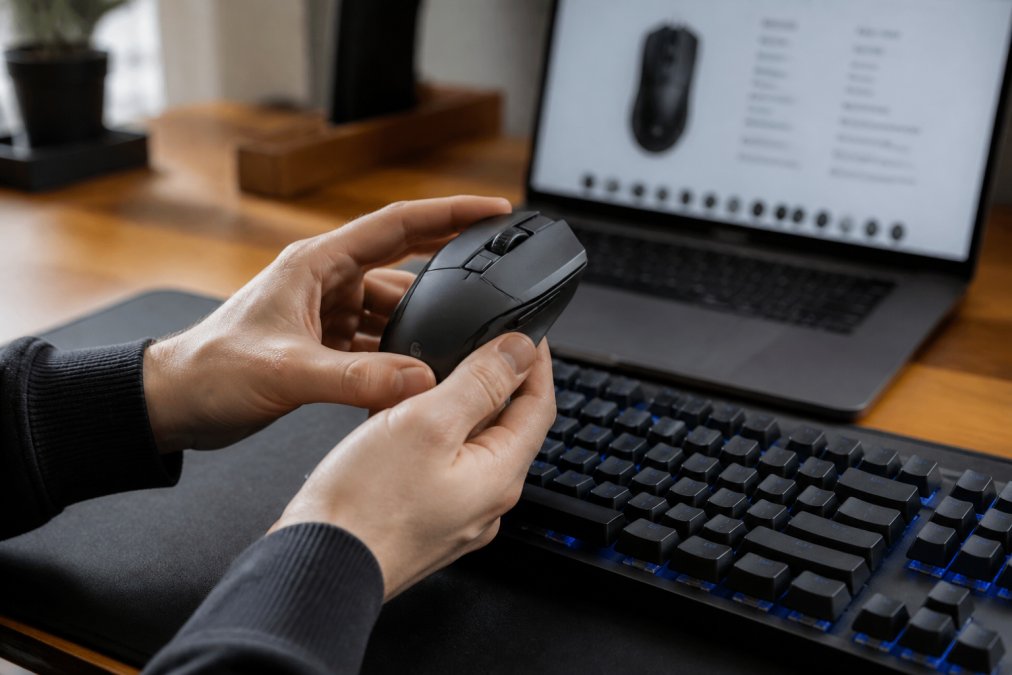
Sensor choice is the single biggest factor in mouse performance. A quality optical sensor tracks movement consistently at high speeds without jitter, spinouts, or acceleration errors.
When learning how to choose a gaming mouse sensor, ignore the maximum DPI number. Most competitive players use settings far below the advertised ceiling. What matters is tracking stability, lift-off distance, and whether the sensor holds accuracy during fast flicks.
The Mchose A7 V2 Pro Ultra is a strong example of this principle in practice. Its PAW3950 sensor reaches up to 42,000 DPI, but the real value is the tri-mode connectivity: 2.4GHz wireless, Bluetooth, and wired, so you can match the connection to your setup. The lightweight ergonomic shell reduces fatigue during long sessions, and the rechargeable battery keeps wireless play going.

A common mistake is buying a mouse purely on DPI. A high ceiling means nothing if the sensor stutters at 800 DPI.
Mechanical Keyboard Switch Types Explained
Mechanical keyboard switch types explained in plain terms: linear switches move smoothly with no bump, tactile switches have a noticeable bump at actuation, and clicky switches add an audible click on top of the tactile bump.
Each type suits a different player. Linear switches favor rapid repeated presses in shooters. Tactile switches give feedback that helps with typing accuracy. Clicky switches appeal to anyone who wants confirmation they can hear.
Durability ratings matter more than feel for long-term value. Quality switches are rated in the tens of millions of keystrokes, and hot-swappable sockets let you replace worn switches instead of the whole board.
Gaming Headset Frequency Response Explained
Frequency response describes the range of sound a headset can reproduce, measured in hertz. A wider range does not automatically mean better audio, but it does indicate how much bass and treble detail the drivers can deliver.
For gaming, the critical zone sits in the midrange, where footsteps, reloads, and voice chat live. A headset that boosts bass heavily can mask those cues. Look for a response curve that stays balanced rather than one that exaggerates low end.
Mchose A7 V2 Pro Ultra – Tri‑Mode →
Comfort and microphone clarity round out the picture. A headset you remove after an hour is worse than a modest pair you forget you're wearing.
Common Mistakes When Buying High Quality Gaming Gear
The biggest mistake is trusting brand names over specifications. A familiar logo does not guarantee a good sensor or durable switches.
Other pitfalls show up constantly:
- Chasing maximum DPI, polling rate, or driver size instead of real-world performance
- Ignoring connection type, then blaming the gear for lag that comes from a crowded 2.4GHz band
- Skipping the return policy, which matters most when a peripheral fails early
- Assuming price equals quality, when mid-range gear often matches flagship specs
A useful habit is to check firmware update history before buying. Manufacturers that ship regular updates tend to support their products longer.
Where High Quality Gaming Gear Specs Are Listed
Reliable specs live in a few predictable places. Manufacturer product pages list official numbers, though marketing copy often buries the useful details. Independent review sites run tracking and latency tests you cannot get from a spec sheet.
Community forums and owner reviews reveal long-term durability that no launch-day review can. Cross-check at least two sources before committing.
For hands-on browsing, a curated retailer that publishes full specifications saves time. The Techie Den stocks peripherals like the Mchose A7 V2 Pro Ultra alongside adapters and converters, so you can compare real spec sheets in one place rather than guessing from marketplace listings.
Conclusion
Sorting good gear from bad takes patience, but the checklist never changes: read the sensor model, the switch rating, the connection type, and the support history. Everything else is noise.
If you'd rather skip the guesswork, The Techie Den carries precision peripherals like the Mchose A7 V2 Pro Ultra with its PAW3950 sensor and tri-mode connectivity, plus adapters and converters that keep your existing setup working. Get started with The Techie Den and build a setup that holds up season after season.
Frequently Asked Questions
What features define high quality gaming gear?
High quality gaming gear usually shows a few clear signals: a sensor or switch with published specifications, durable materials like double-shot keycaps or braided cables, and a warranty longer than 90 days. Polling rates of 1000Hz or higher, adjustable DPI, and onboard memory for profiles also point to gear built for serious use. If a listing hides its specs, that is a warning sign.
How do I know if a gaming mouse is high quality?
Start with the sensor. Look for a named optical sensor with a published max DPI and IPS rating, not just a marketing number. Check the weight, the switch brand and rating (often 50 million clicks or more), and the connection type. A mouse like the Mchose A7 V2 Pro Ultra lists a 42,000 DPI sensor, tri-mode connectivity, and a 500mAh battery, all of which are concrete, verifiable details.
Is expensive gaming gear always better?
No. Price often reflects brand name, RGB lighting, or bundle extras rather than core performance. A $30 mouse with a solid sensor and 1000Hz polling can outperform a $150 mouse with a flashy shell. Compare specs directly: sensor model, switch type, build materials, and warranty. Pay for the parts that affect how the gear performs, not the parts that just look good.
How do I verify the durability of gaming peripherals?
Look for published durability ratings, like switch lifecycle counts (50 million clicks is common for quality mice and keyboards), cable strain relief, and replaceable parts. Read reviews that mention long-term use rather than unboxing impressions. A clear return policy also matters. The Intel N100 Game PC Box, for example, includes a 15-day free return and refund window, which gives you a real safety net.


